
Build AI that does the work.
Choose a practical marketing, sales or operations use case. See exactly what you’ll create, then build it with guided support in your BlueRock workspace.
First result in about 15 minutes. Free for 14 days, then $20/month. Build in the Claude Desktop app or in Cursor. Claude Code runs on your own paid Claude plan.
Start with the outcome, not a blank prompt. Each use case gives you the agents, skills and guided steps to produce something useful fast. Then make it yours, save it in your workspace and run it again whenever you need it.
What do you want to build?
Pick an outcome. See what you’ll create, how long it takes and how much time it can save.
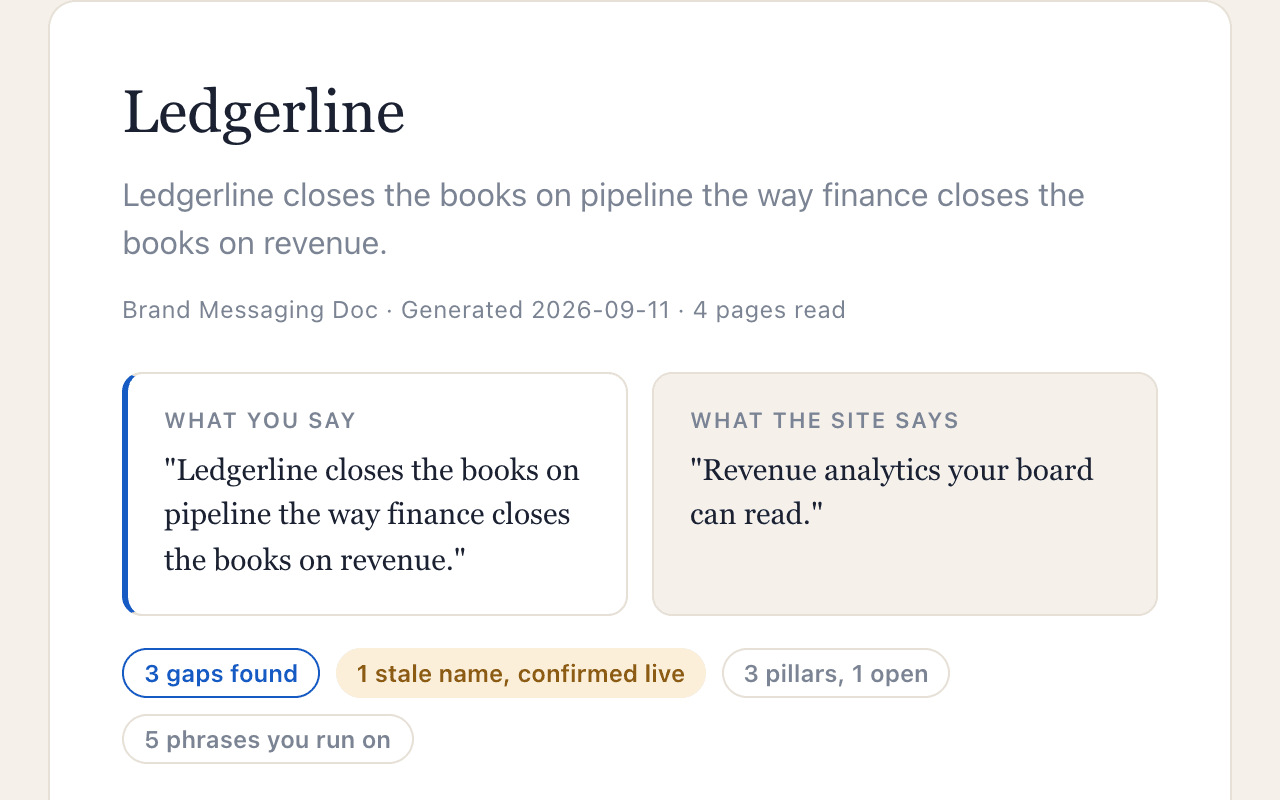
Brand Messaging Doc
Write your positioning, voice, and proof points down once, in your own words, and see where your website drifts from them.First result: ~15 minSaves: ~4 hours per run (est.)Role: MarketingBuild my messaging doc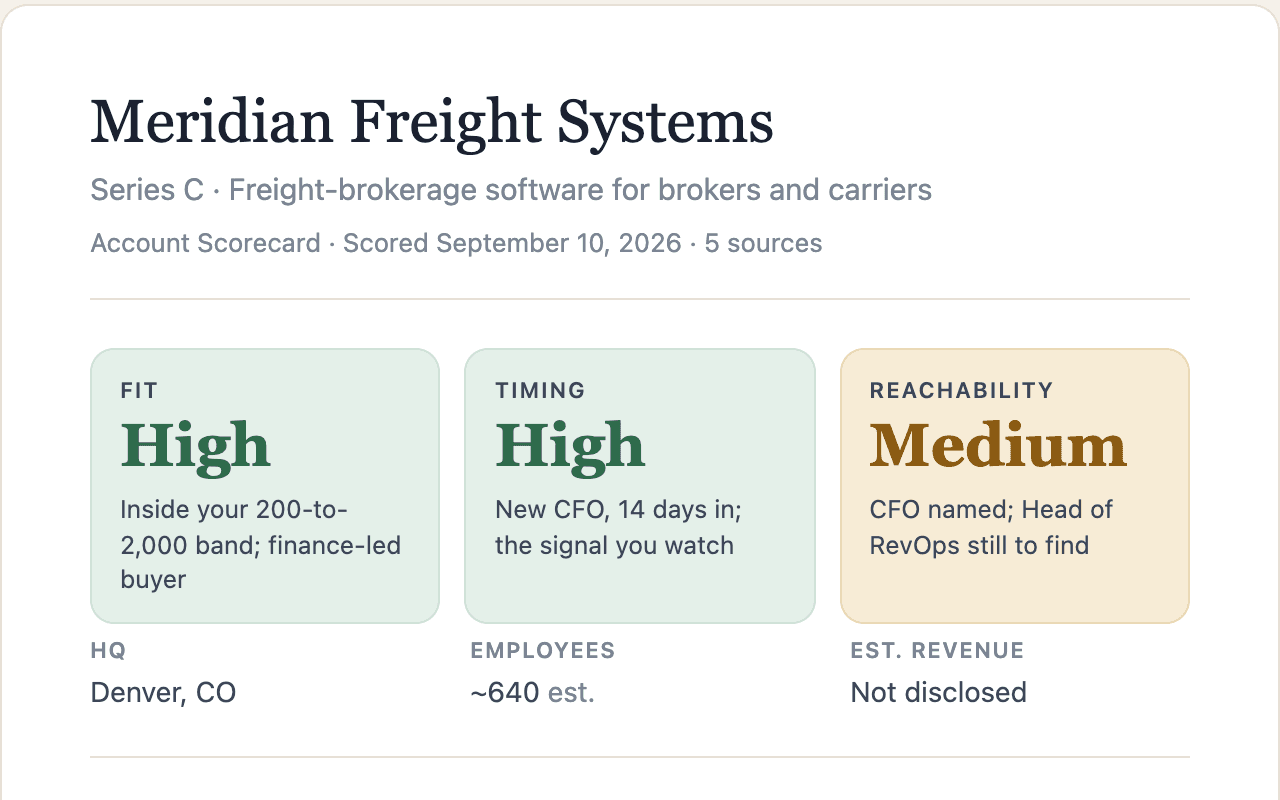
Account Scorecard
Turn a company name into a scored account brief based on the criteria that matter to your team.First result: ~15 minSaves: ~2 hours per account (est.)Role: Sales / Marketing / OperationsScore an accountCompetitor Battlecards
Turn competitor research into a sourced card per competitor your team can take into a deal.First result: ~15 minSaves: ~1 hour per run (est.)Role: Sales / Marketing / OperationsBuild my battlecards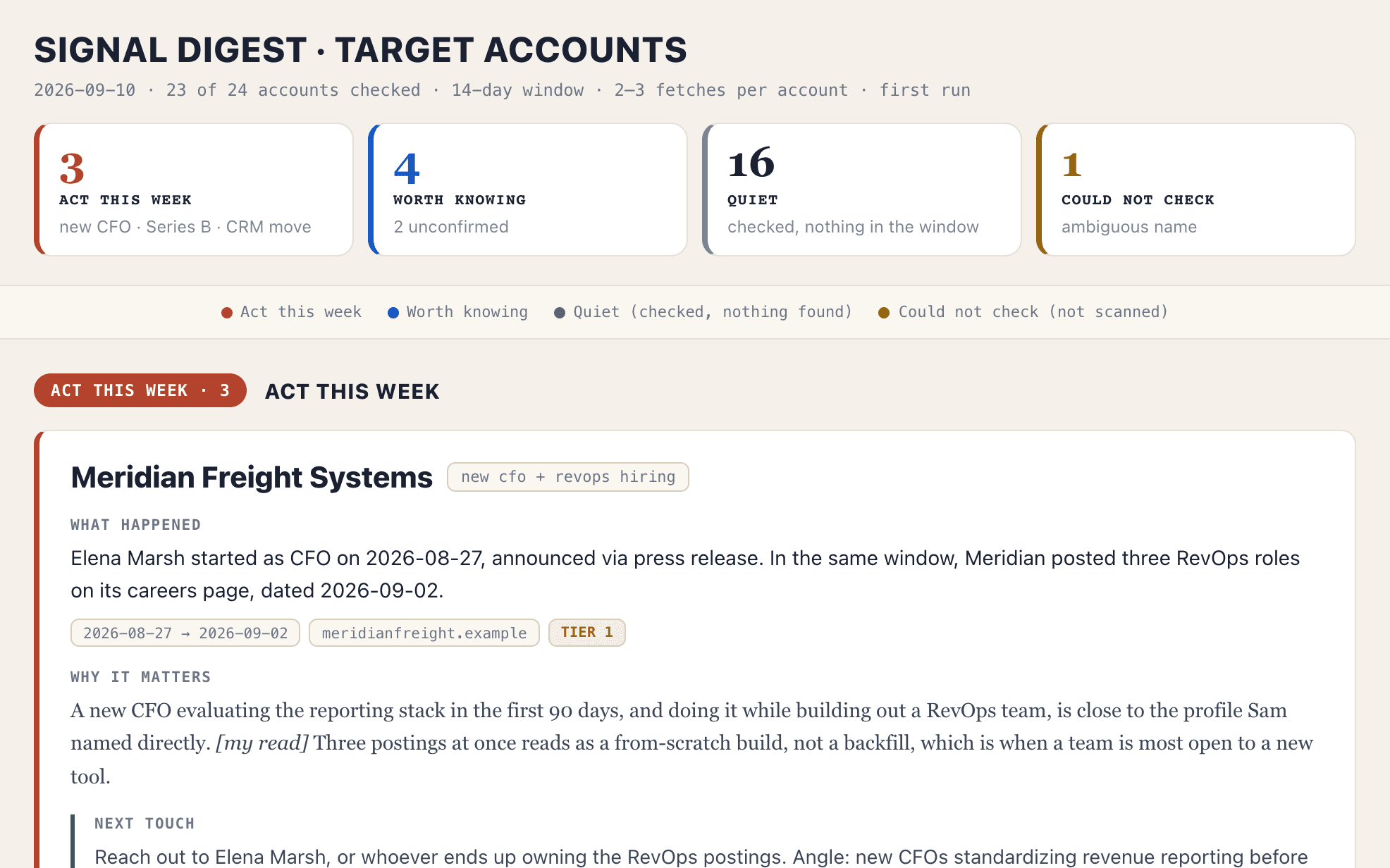
Account Signal Digest
Turn account activity into a prioritized view of what changed and what deserves attention.First result: ~15 minSaves: ~1.5 hours per run (est.)Role: Sales / Marketing / OperationsCreate my signal digest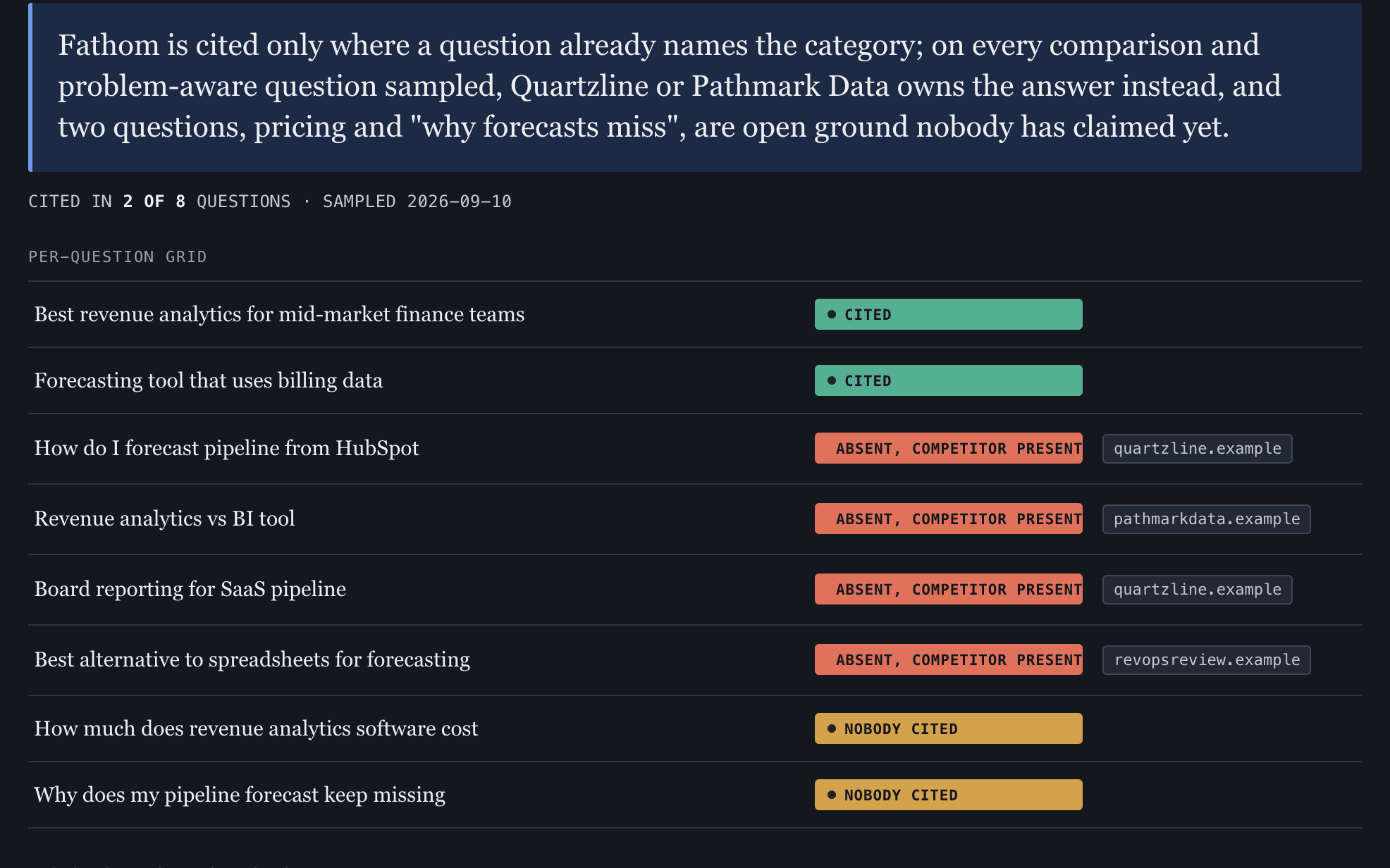
Answer Engine Visibility
See how AI answer engines describe your company, where you’re missing and what to improve.First result: ~15 minSaves: ~1.5 hours per run (est.)Role: MarketingCheck my AI visibility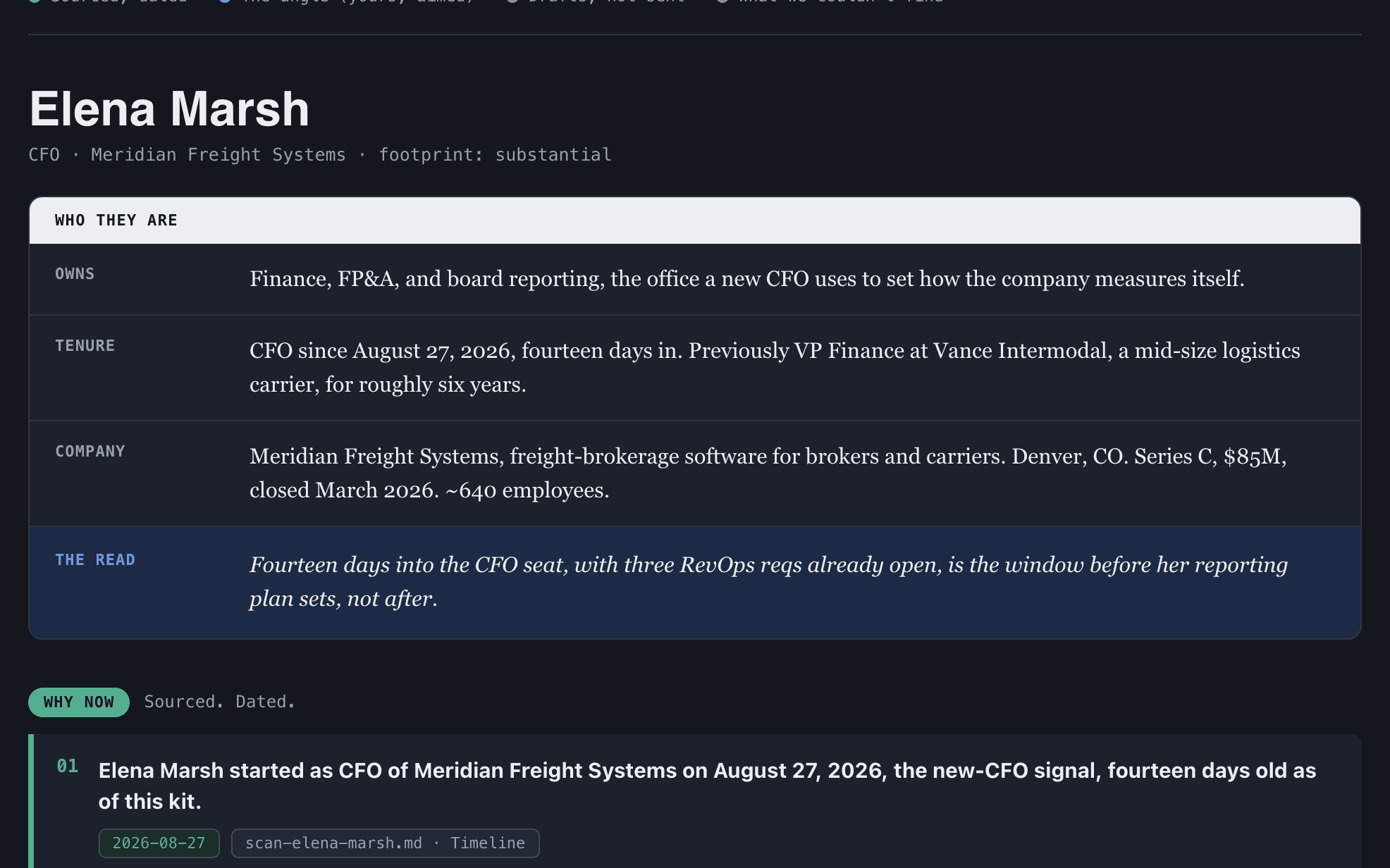
Sales Outreach Prep
Turn a prospect list into a researched outreach kit: who they are, why now, and what to say.First result: ~15 minSaves: ~1 hour per run (est.)Role: SalesPrepare my outreach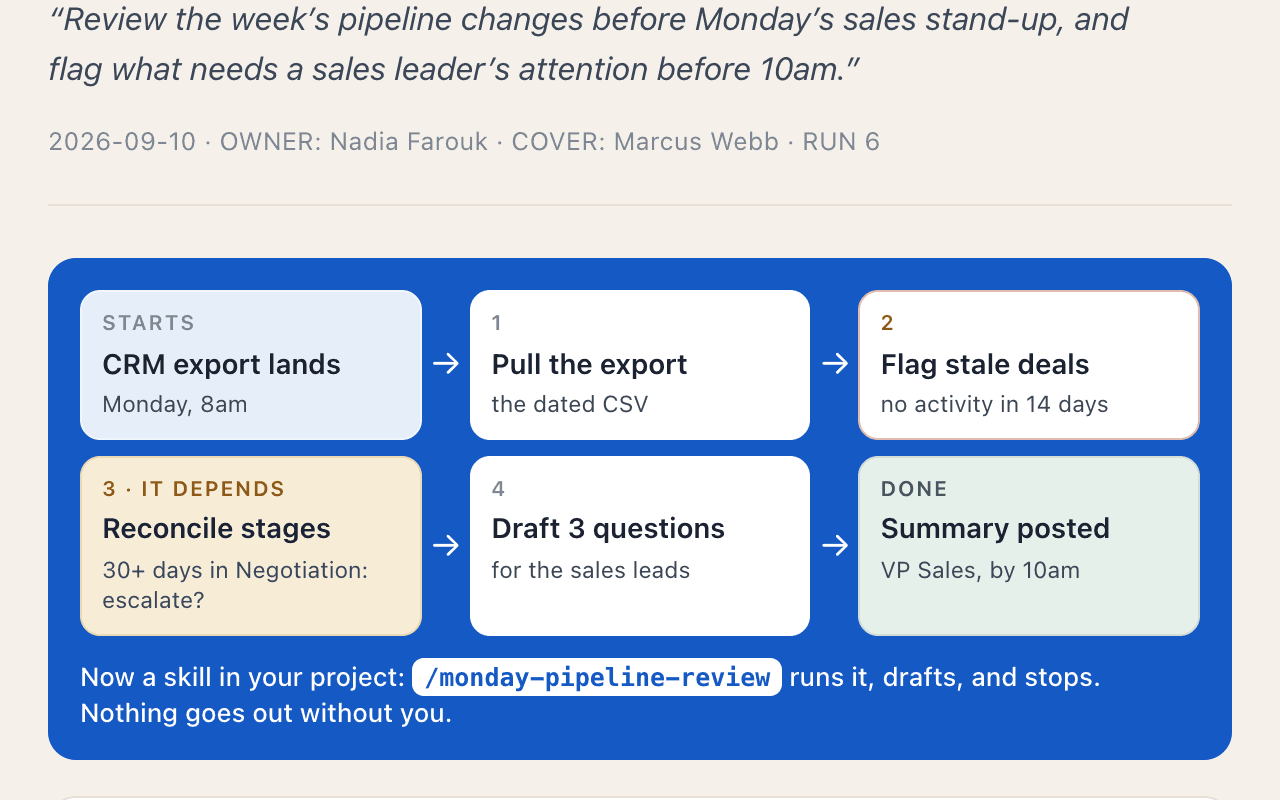
Process to Skill
Turn a process only you know how to run into a skill you can save, improve and run again.First result: one sittingSaves: ~2 hours per process (est.)Role: Marketing / Sales / OperationsTurn a process into a skill
Build it once. Keep putting it to work.
Your first build gives you something useful right away. BlueRock also saves the context, instructions and work behind it — not just the final output.
Your work stays with you
Save your builds, context and instructions so you can pick up where you left off.
Run it again — or keep it running
Rerun workflows whenever you need them, or keep agents working 24/7 as your use cases grow.
See what your agents are doing
Follow what ran, what happened and how your agents got there.
Stay in control
Built-in guardrails give you control over what agents can access and do.
Come back to improve it, run it again with new information or turn it into an ongoing workflow when you’re ready.
Your work becomes a starting point, not another one-time AI conversation.
Want the how behind these? The learning path is the concepts behind the use cases: seven short sessions, from your first agent team to running a system of your own, in the order they build. Depth when you want it.
Build something useful in 15 minutes.
Choose a use case, create your BlueRock workspace and get your first result. You’ll build in the Claude Desktop app or in Cursor, on your own Claude plan. Your build and context stay with you so you can come back, improve it and run it again.
More use cases are on the way. This page lists the ones you can run now.